
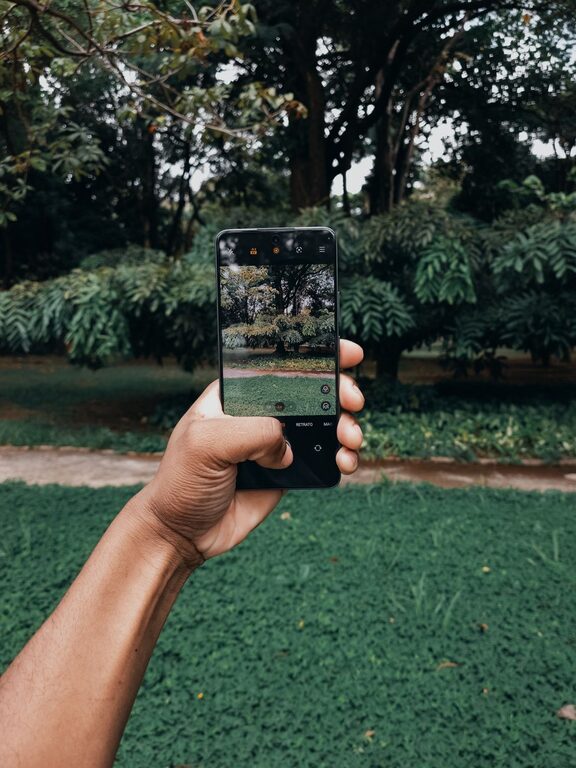
Taking great photos with your phone can be simple and fun once you know a few key tips. Smartphones today have impressive cameras, but understanding how to use them effectively makes all the difference. Whether you want to capture memorable moments, beautiful landscapes, or creative shots, these beginner-friendly tips will help you take better phone photos.
Understand Your Phone Camera
Before diving into photography techniques, spend some time exploring your phone’s camera features. Most smartphones offer multiple settings and modes that can improve your shots.
– Explore camera modes: Try out portrait, night, panorama, and slow-motion modes.
– Learn about focus and exposure: Tap the screen where you want to focus, and adjust brightness by sliding your finger up or down.
– Use gridlines: Enable gridlines in your camera settings to help compose balanced photos.
Getting comfortable with your phone’s capabilities is the first step toward better pictures.
Focus on Lighting
Lighting plays a huge role in photography. Good lighting can enhance colors and details, while poor lighting may cause blurry or grainy photos.
– Natural light is your friend: Shoot outdoors or near windows whenever possible.
– Avoid harsh midday sun: Midday light can create strong shadows and highlights. Early morning or late afternoon light (golden hour) is softer and warmer.
– Use shadows creatively: Shadows can add depth and interest to your photos.
– Avoid using flash: The built-in flash can cause unnatural colors or washed-out images. Use it only when necessary.
Master Composition Basics
Composition is about arranging elements in your photo to create a pleasing image. Here are some beginner tips to improve your composition:
Use the Rule of Thirds
Divide your image into a 3×3 grid (using gridlines on your camera) and place important subjects along the lines or where they intersect. This creates balanced, engaging photos.
Simplify the Scene
Remove clutter and distractions from your frame. Focus on one subject or a clear point of interest to make your photo stronger.
Experiment with Angles and Perspectives
Don’t just shoot from eye level. Try different angles—get low to the ground, shoot from above, or move around your subject to find the most interesting viewpoint.
Keep Your Phone Steady
Blurry photos are often caused by camera shake. Try these techniques for sharper images:
– Hold your phone with both hands.
– Lean against a stable surface or use a tripod designed for smartphones.
– Use your phone’s timer or voice command to reduce shake while pressing the shutter.
Use Zoom Wisely
Avoid digital zoom because it can reduce image quality. Instead, try to move closer to your subject physically or crop the photo later during editing.
Edit Your Photos Thoughtfully
Editing can enhance your photos, but it’s best to keep adjustments subtle.
– Use apps like Snapseed, VSCO, or Lightroom Mobile.
– Adjust brightness, contrast, and saturation lightly.
– Crop and straighten photos to improve composition.
– Avoid heavy filters that may make images look unnatural.
Practice Regularly
Like any skill, improving your phone photography takes practice. Take photos often and try different subjects and styles. Review your images and note what works well and what you can improve.
Additional Tips
– Clean your lens: A dirty lens can cause blurry or hazy photos.
– Use HDR mode: HDR helps balance bright and dark areas, especially in landscapes or high-contrast scenes.
– Be patient: Wait for the right moment or light before snapping.
– Capture candid moments: Some of the best photos are natural and unposed.
—
By following these beginner tips, you’ll start to see an improvement in your phone photos right away. Enjoy capturing your world with creativity and confidence!
About the Author